



Ordrino
QR ordering for restaurants & cafés
Guests scan the code on the table, browse your photo menu, and order from their own phone — no app, no sign-up. The ticket appears on the kitchen board seconds after they confirm, so your team spends less time taking orders and more time on the floor.
Built for the floor and the kitchen
No waving for a server, no waiting to order. Guests scan the code on the table and order from their own phone; the ticket reaches the kitchen board seconds after they tap confirm, and moves through New, In progress and Delivered as your team works it.
Every restaurant runs the same codebase on its own Cloudflare Worker, with its own database, its own storage bucket and its own secrets — separate infrastructure per restaurant, not a shared table with a customer column. We build, deploy and operate it for you; there is no hardware to buy and no app for your guests to download.
Try Ordrino for yourself
No signup, no install — these open the real product in a new tab. Explore what your guests see and what you manage behind the counter.
Guest ordering
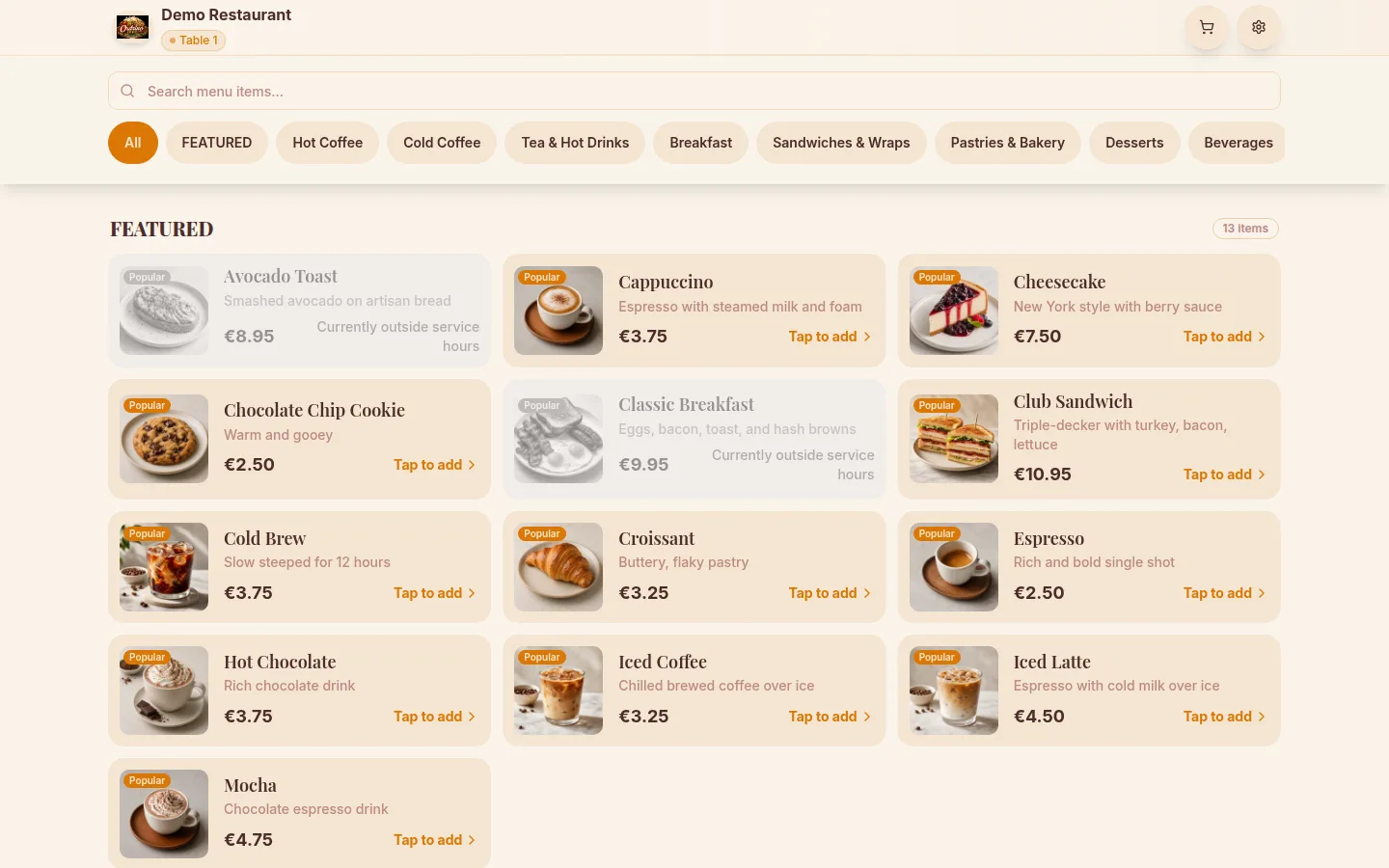
demo.ordrino.com/table/1The exact view a guest gets after scanning the QR code at a table: browse the menu, customize items, and place an order.
Open guest viewOwner & staff dashboard
demo.ordrino.com/adminManage the menu, watch orders land on the board, run the till, coordinate your team, and dig into the numbers.
admin/adminOrdrino is a full SaaS product with its own home at ordrino.com
The tools your team runs service on
QR ordering, no app
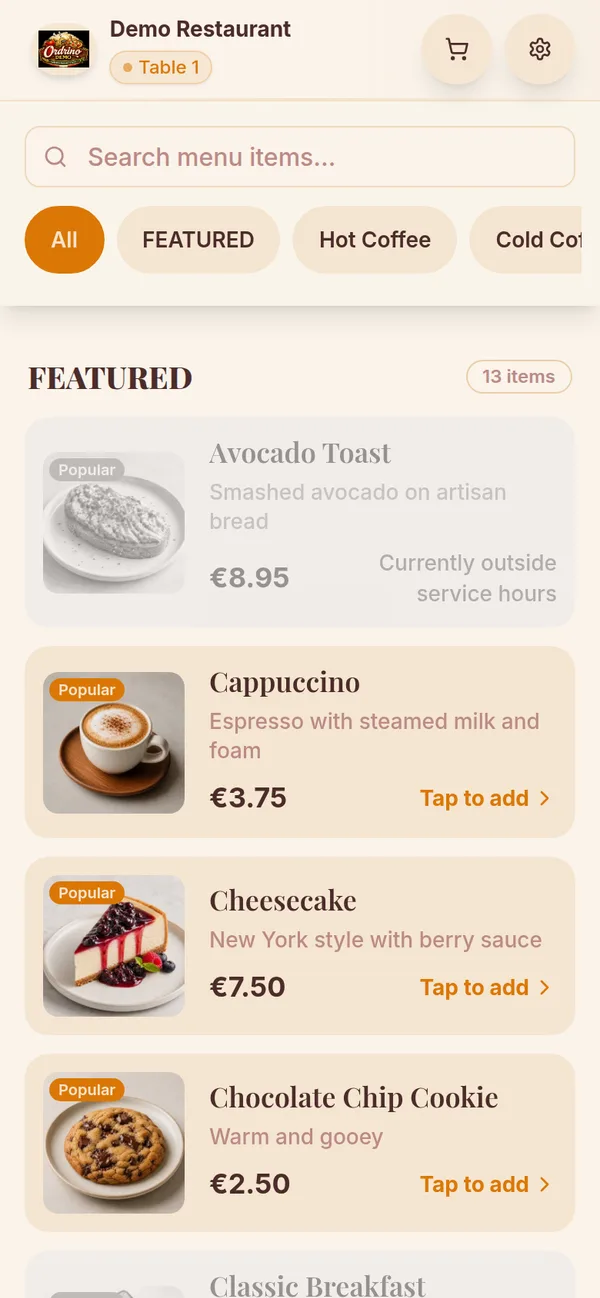
Each table gets its own QR code, generated for you in the admin panel. Guests scan it and your photo menu opens in any phone browser — no download, no sign-up. They browse, customize, and send the order themselves.
Straight to the kitchen board
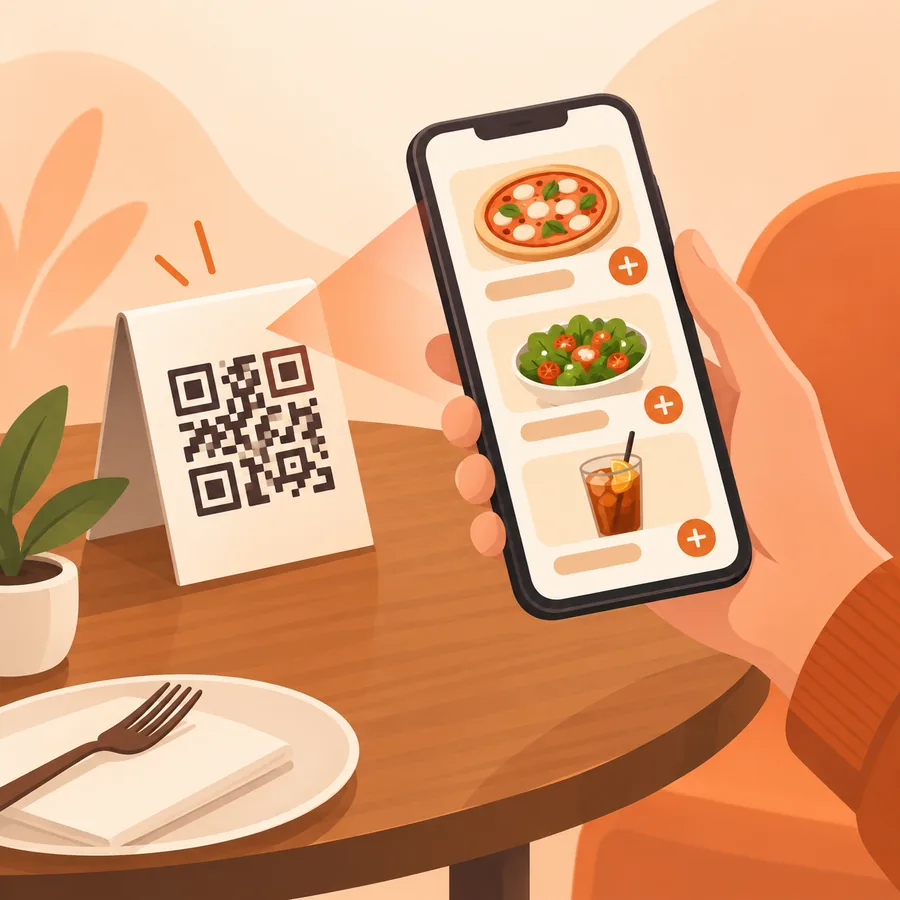
Orders flow from the table to a three-column board — New, In progress, Delivered — that refreshes every few seconds, so the kitchen sees a ticket without anyone walking it over. Guests follow their own order status from the same phone they ordered on.
Pay by card, or at the counter
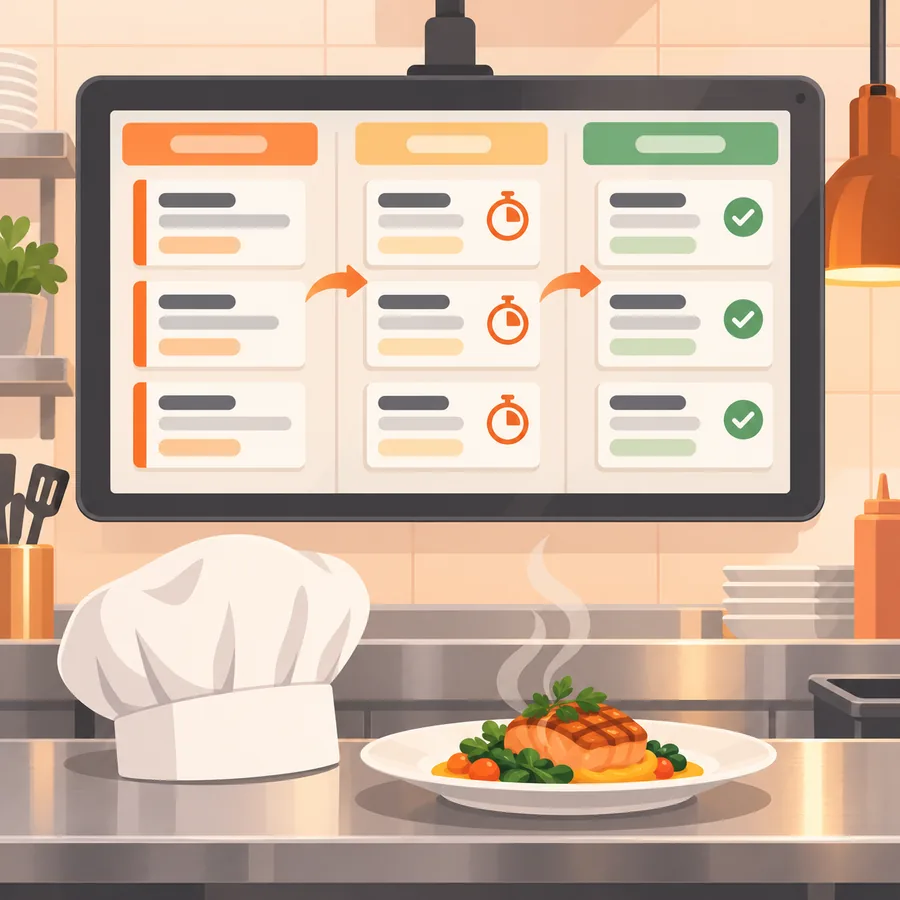
Guests can pay from their phone through Stripe’s hosted checkout — before the food or when they are ready — and add a tip. Or they settle at the till, where your staff can take a partial payment or split the bill across items. Card details never touch Ordrino’s servers.
Menu and tables you control
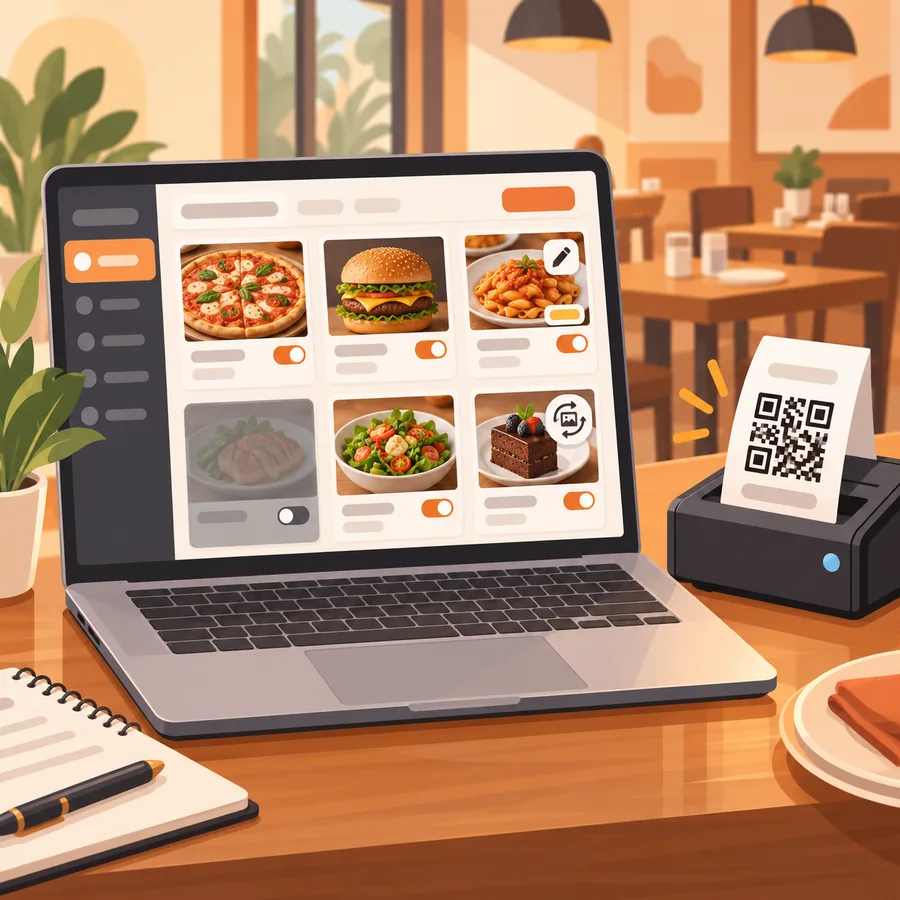
Take a sold-out dish off the menu, change a price, swap a photo, or add a table and print its QR code — all from the admin panel, and live for the next guest who scans.
A screen for every station
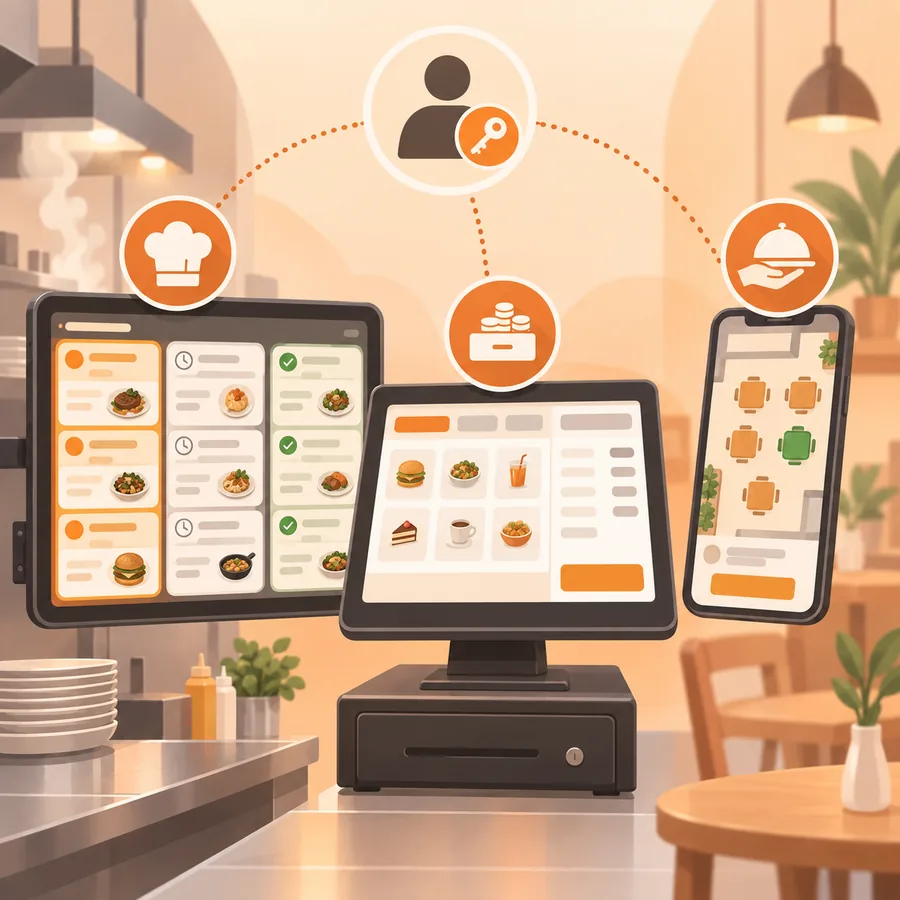
Kitchen, till and floor each get their own view, and six built-in roles — Admin, Manager, Waiter, Kitchen, Cashier and Host — decide who can see and do what. Add your staff, assign a role, done.
Guest reviews, in your hands
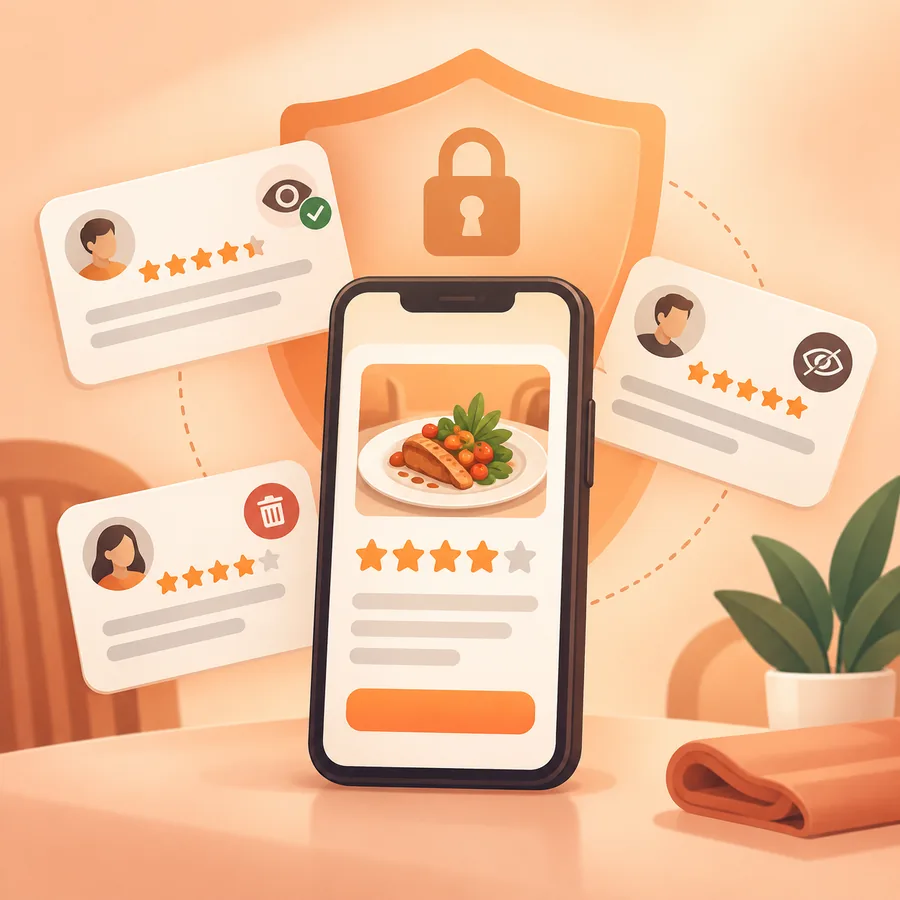
Guests can leave a star rating on the order they just placed. The reviews land in your admin panel, where you read them, mark them as seen, or delete them. They stay yours — nothing is published anywhere without you.
Fits any room, from corner café to candlelit dining
One QR per table or counter, and the same board behind it.
Cafés & coffee shops
Handle the morning rush with quick QR ordering and regulars who order straight from the table.
Restaurants
Table-specific ordering, a floor plan your waiters can read, and a kitchen that sees the ticket without a runner.
Bars, bakeries & food trucks
From beer gardens and cocktail bars to bakeries and food trucks — one QR per table or counter, orders straight to the pass.
Event catering
Run pop-ups and events with QR ordering stations and orders that land on the board as they come in.
See how service is going
Your dashboard turns every order into numbers you can act on.
Revenue & tips
Track revenue, average spend and tips over the period you choose, broken down by menu category.
Best-sellers
See your most-ordered items, ranked by revenue share, to sharpen the menu and the prep list.
Table performance
Compare how tables turn over, and watch order volume by day, to balance sections and staffing.
Prep & peak times
Watch preparation times, peak hours and how orders move between statuses, to plan the kitchen and the shifts.
Cash that adds up at closing time
Every cashier works from their own till, every bit of cash that goes in or out has a name and a note, and the day ends with a report nobody can change afterwards.
A till for every cashier
Each cashier opens a till on their device with the cash in the drawer. Every counter payment, cash or card, and every return is booked to that till along with who handled it. On a busy day, a second cashier simply opens a till on a second device.
Pay In, Pay Out, Cash Drop
Paying a supplier from the drawer, topping up change or taking surplus cash to the safe goes through the open till, never around it. Each entry records who was responsible and needs a note, so no cash moves without an explanation.
A till close that shows the difference
At the end of a shift the cashier counts the cash and enters the total. Ordrino shows what should be in the drawer next to what was counted, records any shortage or surplus with a note, and prints a till summary on the receipt printer.
An End-of-Day report nobody can change
Issued by the cashier or the owner once every till is closed and no order is still open. It covers sales, discounts, returns, net sales, tax, tips, cash, card and online totals, every till with its difference, every cash movement with its note, and sales per staff member. It is saved as a numbered PDF that can be downloaded or printed, never edited: the record that settles the day between you and your cashier.
How we deliver it
Ordrino is a product we build, deploy and operate for each restaurant. The way that works is the reason it is quick and the reason it stays yours.
Your own infrastructure
One Cloudflare Worker, one database and one storage bucket per restaurant. Nobody else’s orders share a table with yours, because nobody else’s orders are in your database.
Provisioning is automated
Adding a restaurant is configuration, not a rebuild: one command provisions the database, the storage and the secrets, and our pipeline deploys it. That mechanical part takes hours, not weeks.
Pinned to your own version
Each restaurant pins its own version of the codebase, and each version is built and deployed on its own. A feature written for you ships to you, and platform updates reach you when you are ready for them.
Hosted in the EU
Your database is created in Cloudflare’s West-Europe region, and the guest interface asks for consent before it stores anything on a guest’s device.
Ordrino everywhere
Guests order from their phones; you run the floor from a tablet or a laptop.
Frequently Asked Questions
Ready to see Ordrino in your restaurant?
Tell us about your place and we’ll set up a live walk-through — no commitment, no pressure.
Book a demo